1. Access the Feature Settings Menu
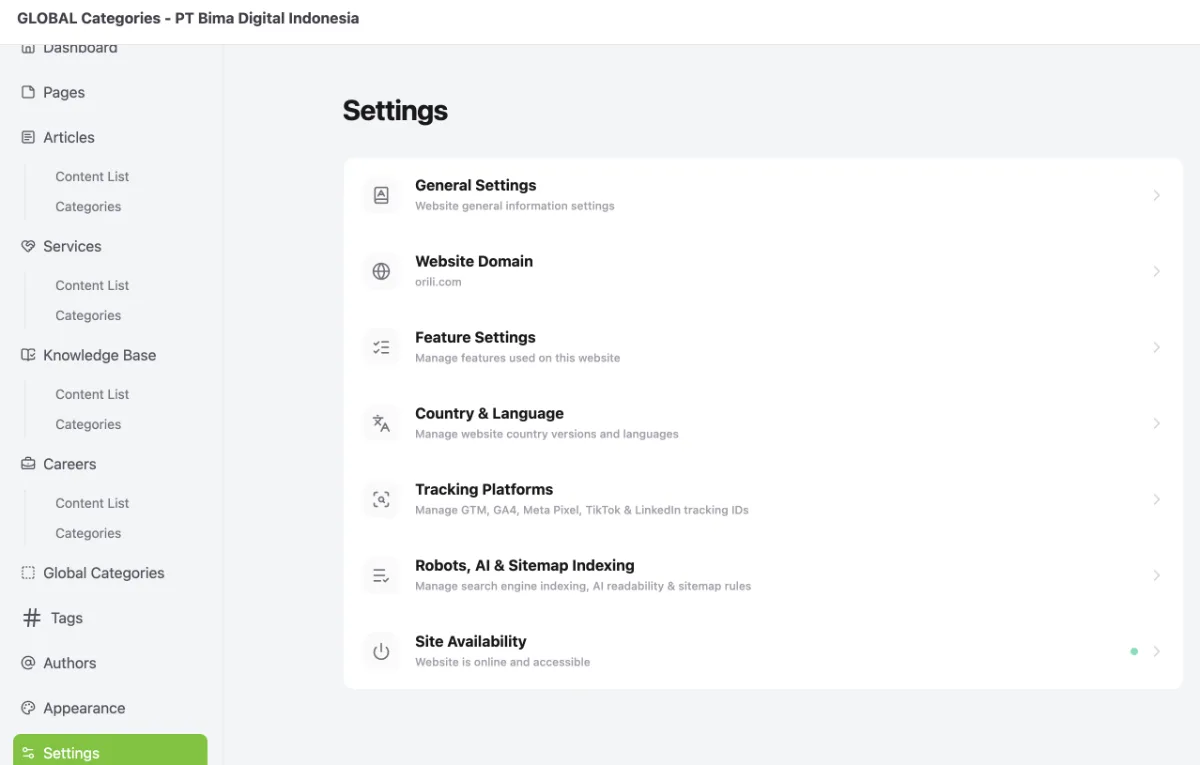
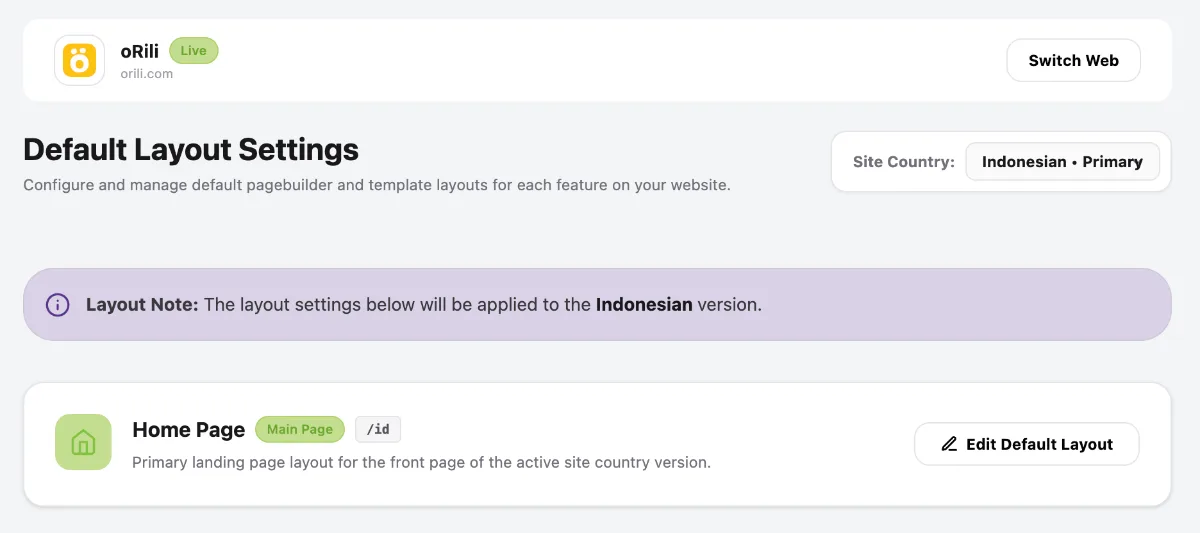
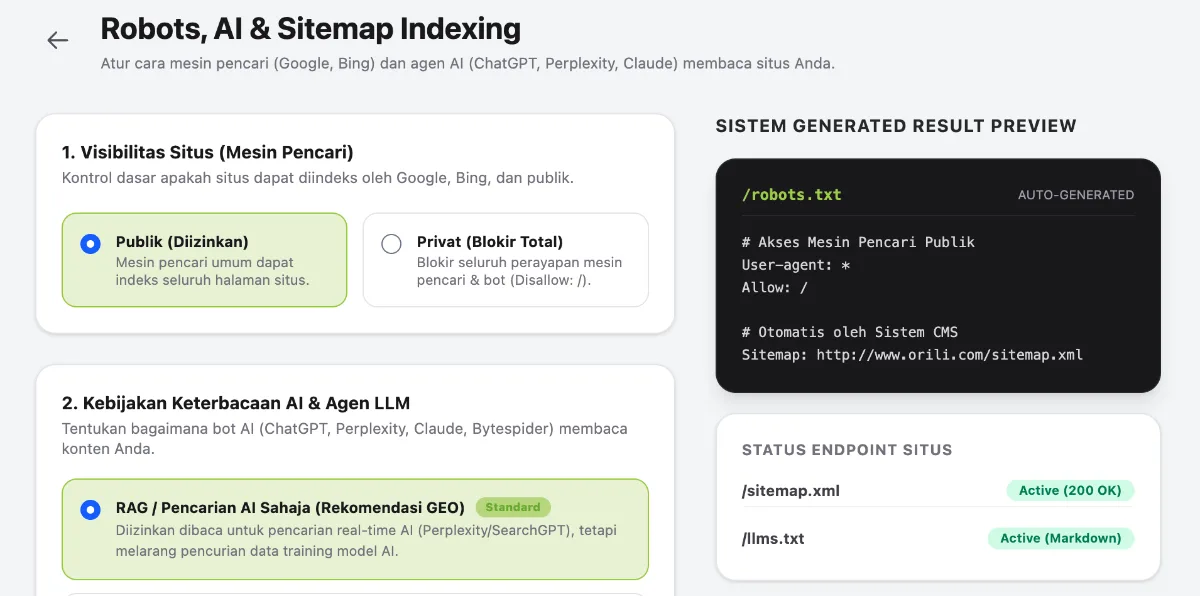
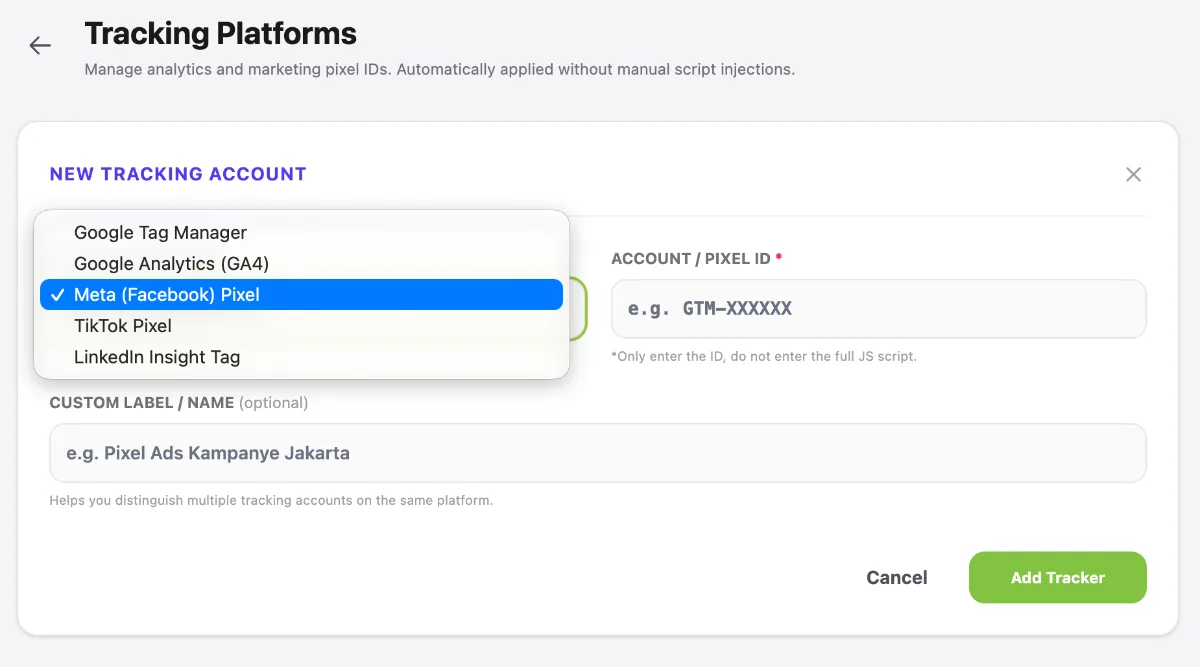
Access the Feature Settings menu by following these steps:
- Go to the Dashboard.
- Click the Operational Tools menu.
- Select Website.
- Select your website.
- Click Manage.
- Select Settings.
- Select Feature Settings.
2. Manage Content Type Features
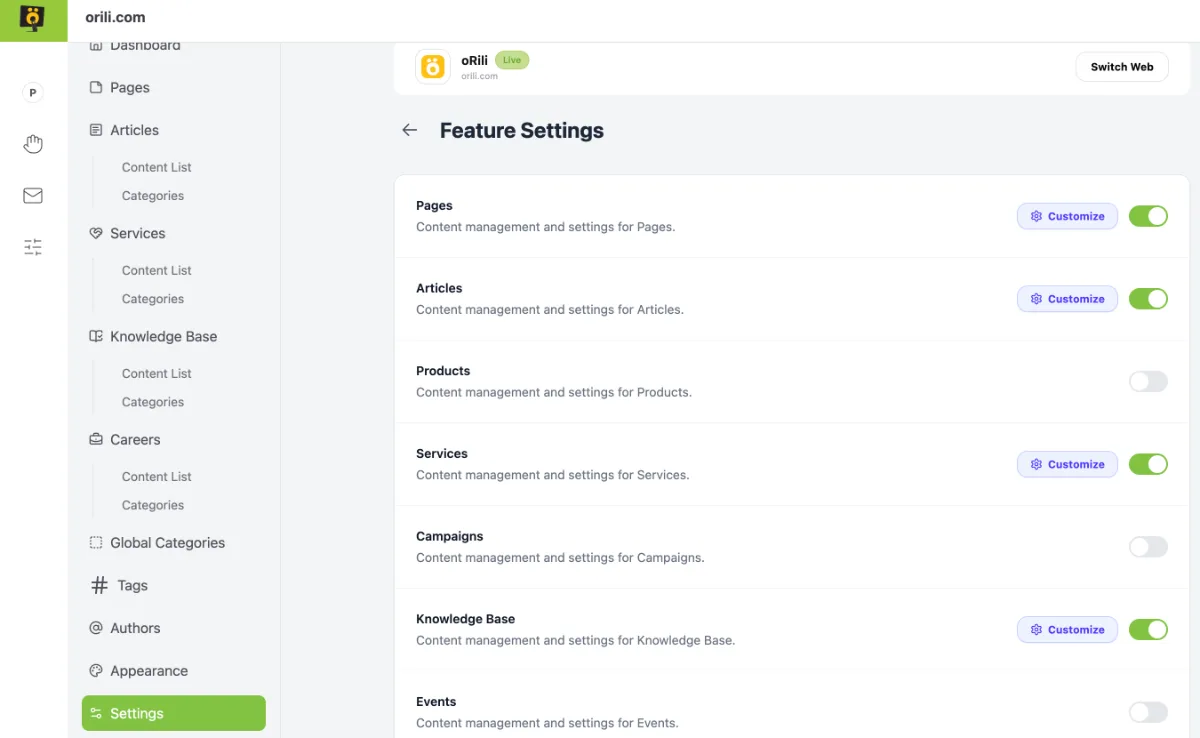
- Select the content types you want to use, such as Pages, Articles, Products, Services, Campaigns, and others.
- Turn on the toggle switch on the right-hand side of each content type to display the feature in the sidebar menu and make it available for use.
- Click Customise to access additional settings.
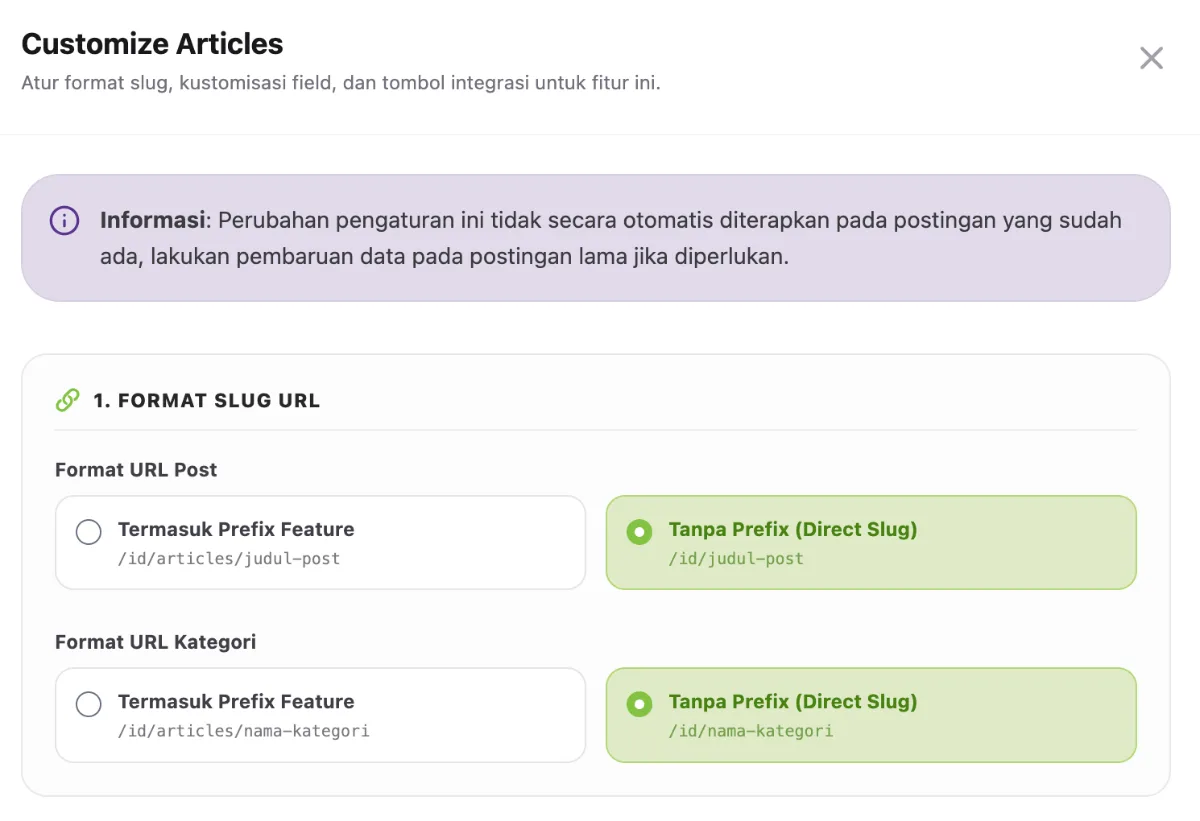
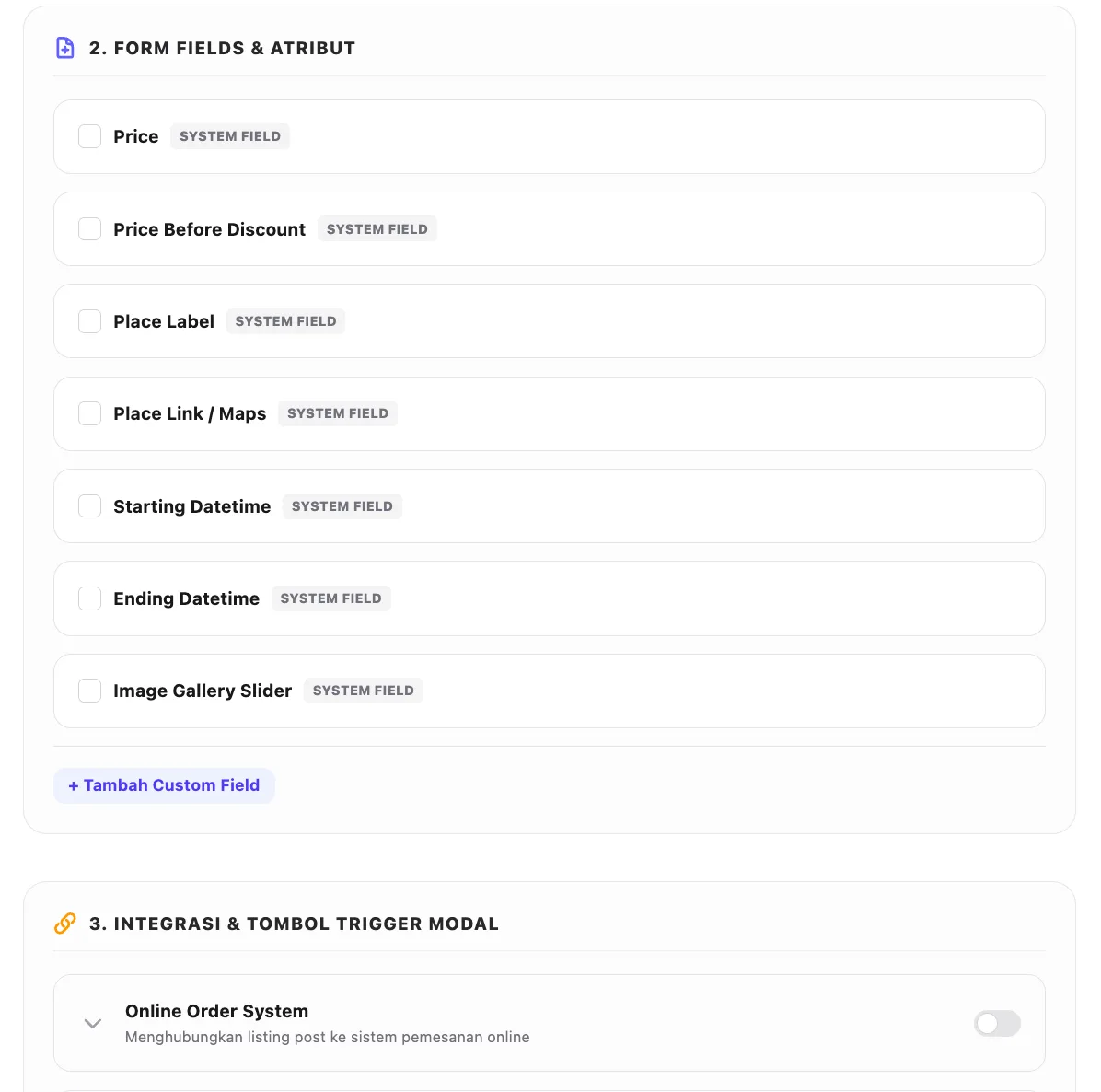
- For content type customisation, several settings are available to suit your needs, including URL Slug Format, Form Fields & Attributes, and Integrations & Modal Trigger Buttons.