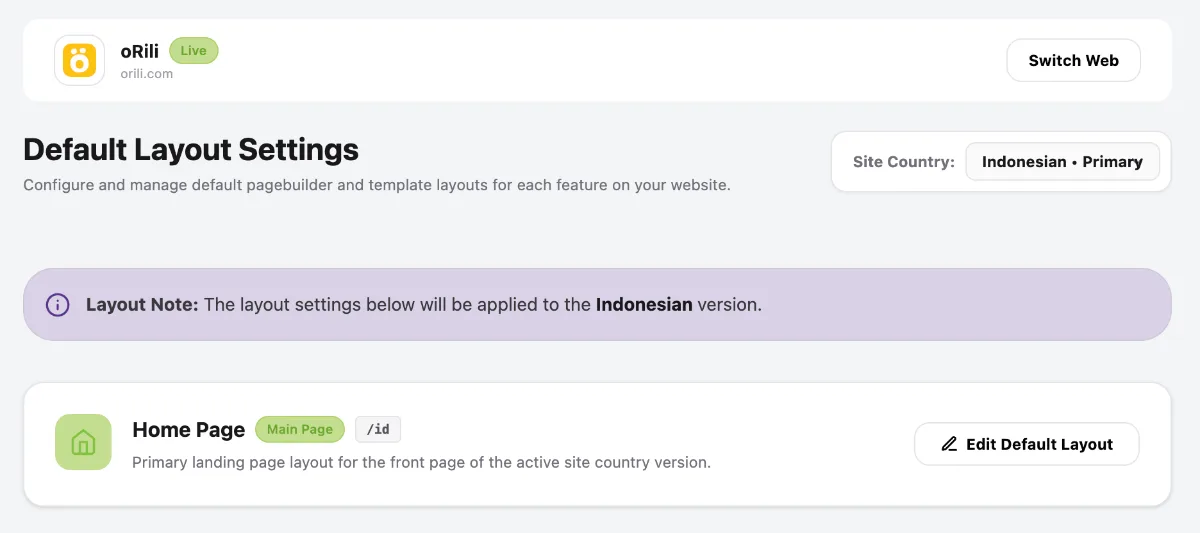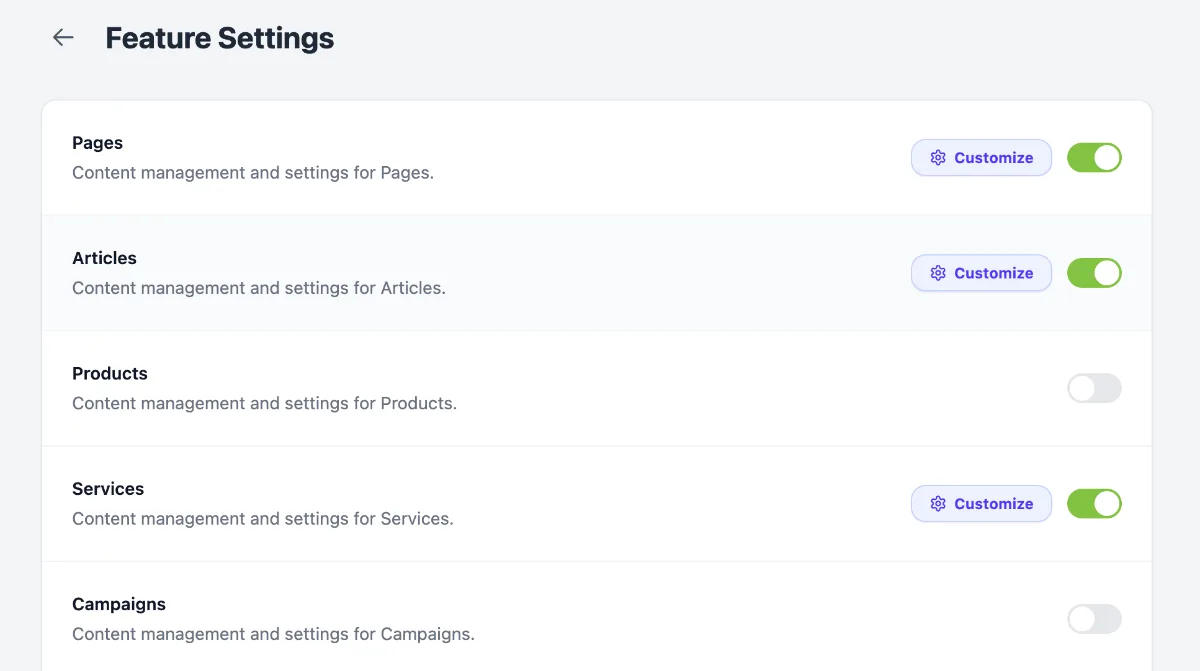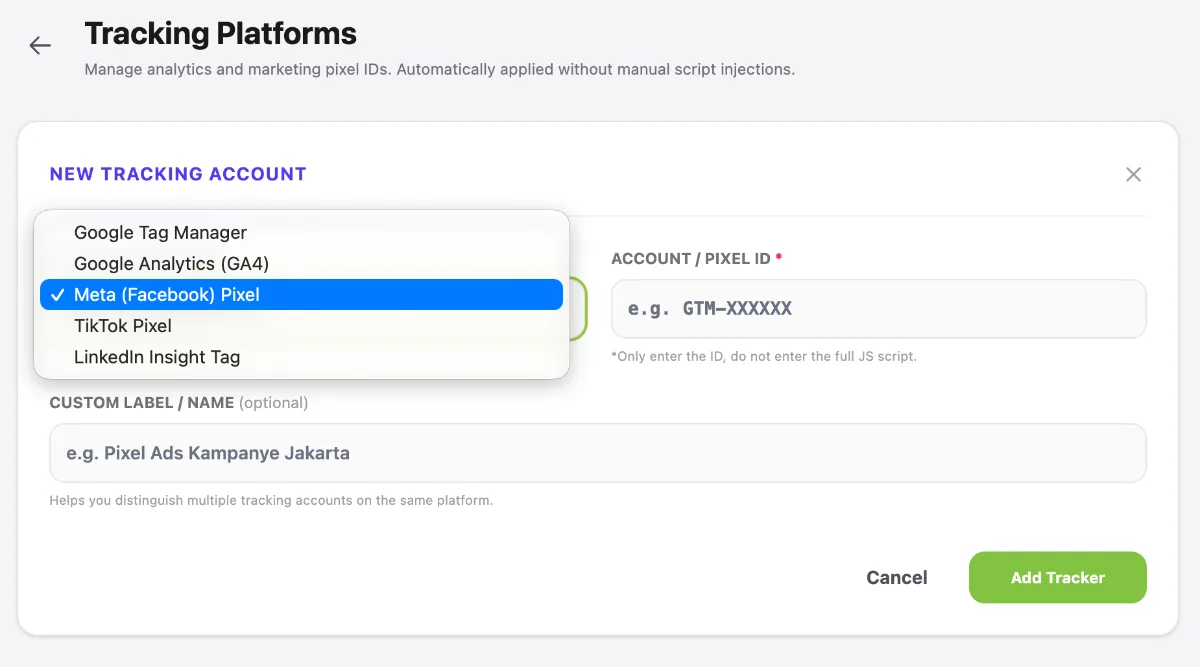
1. Access the Font Registry Menu
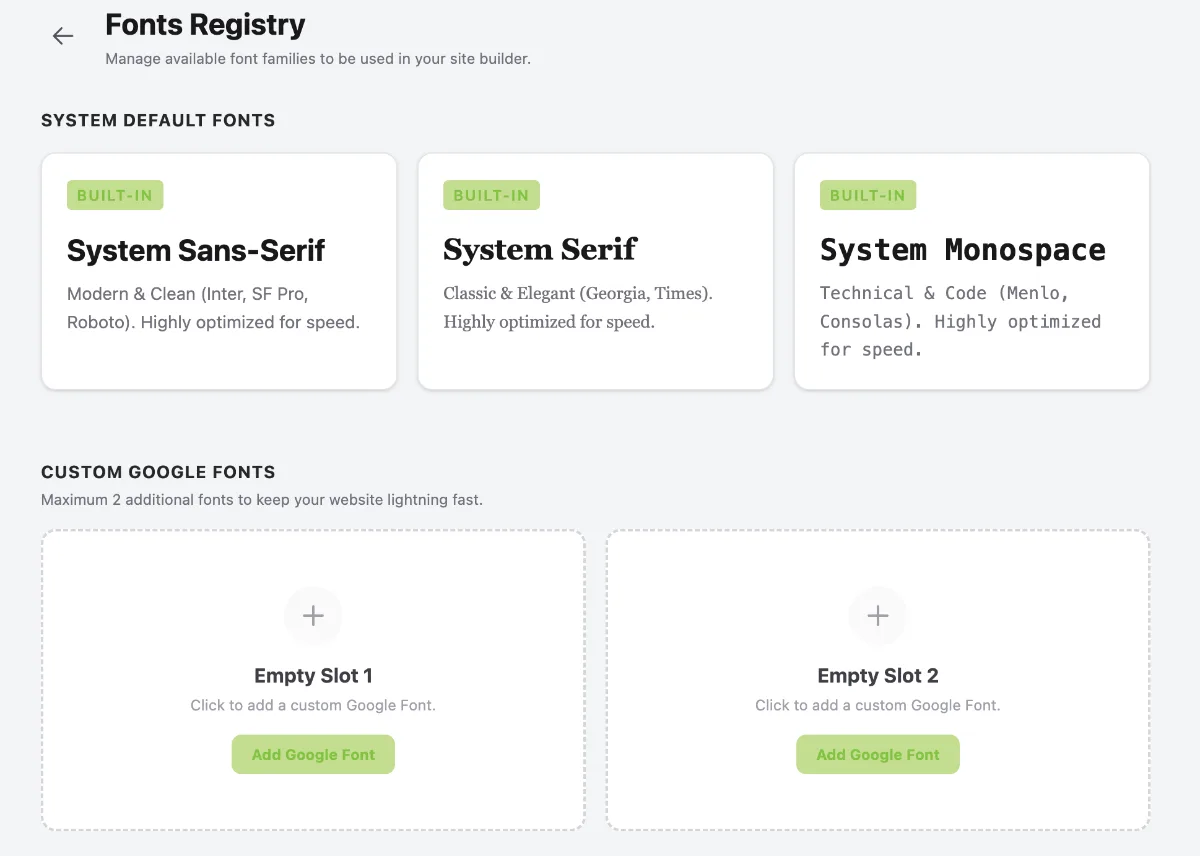
Access the Font Registry menu by following these steps:
- Go to the Dashboard.
- Click the Operational Tools menu.
- Select Website.
- Select your website.
- Click Manage.
- Select Appearance.
- Click Font Registry.
2. Add a Font
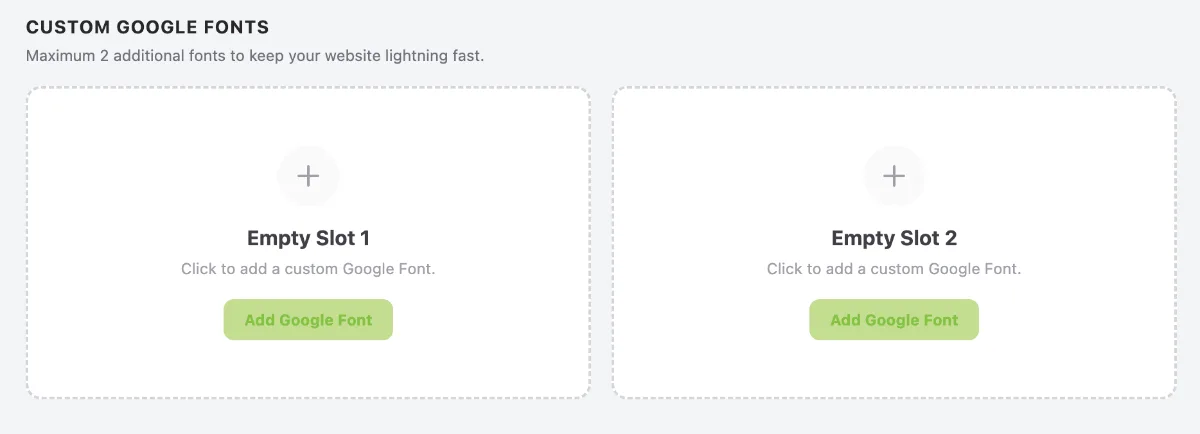
There are two slots available for custom fonts from Google Fonts. To add a font, click Add Google Font.
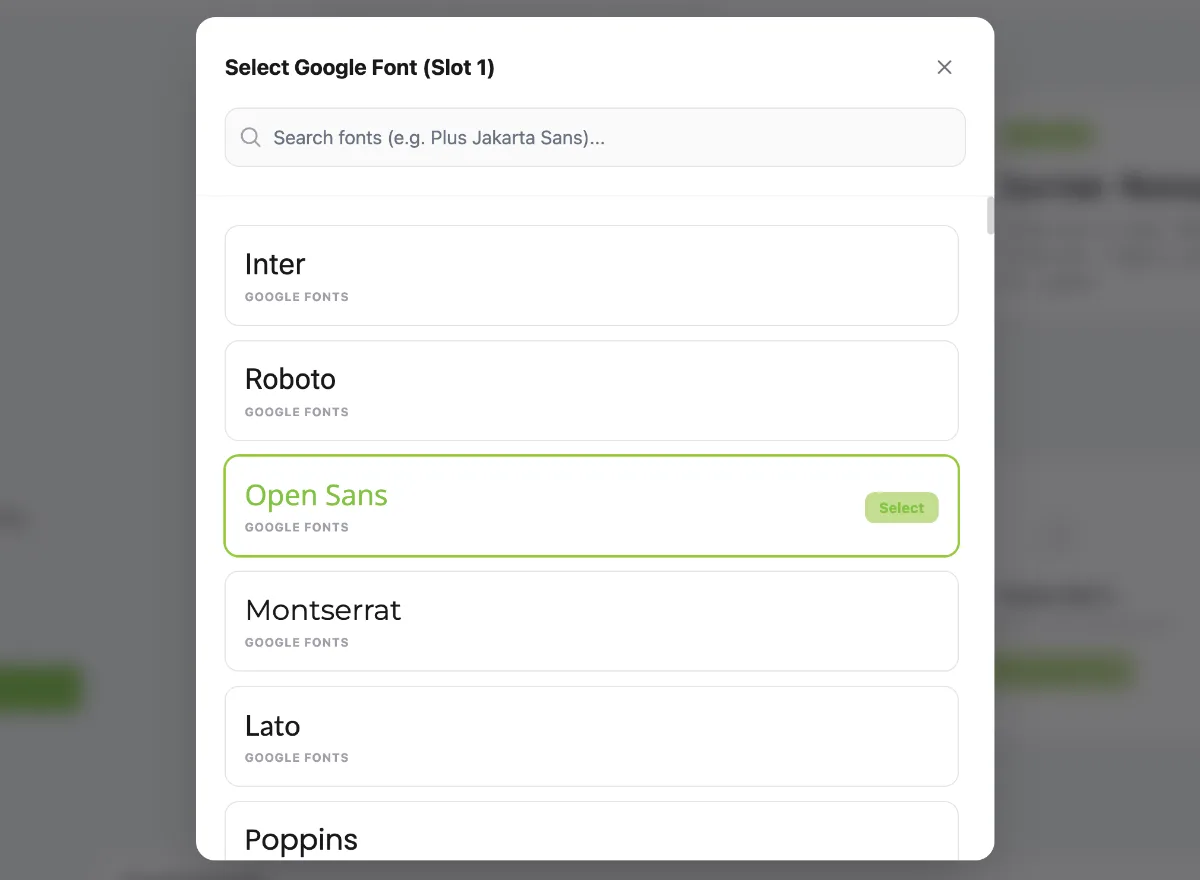
Select the font you want to use according to your requirements.
3. Save Your Custom Font

Once the custom font slots have been filled, click Save Changes.The selected fonts will then be available for use across text elements on your website as required.