1. Access the Country & Language Menu
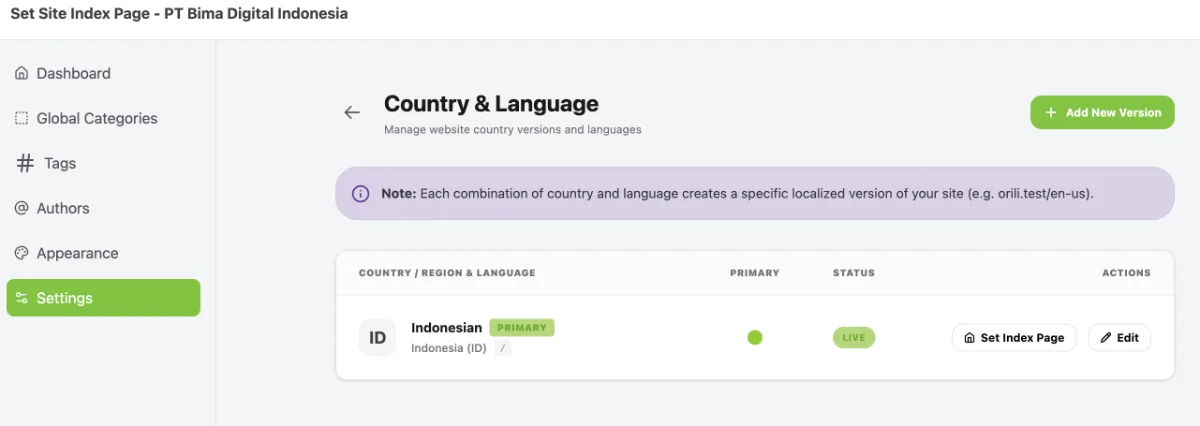
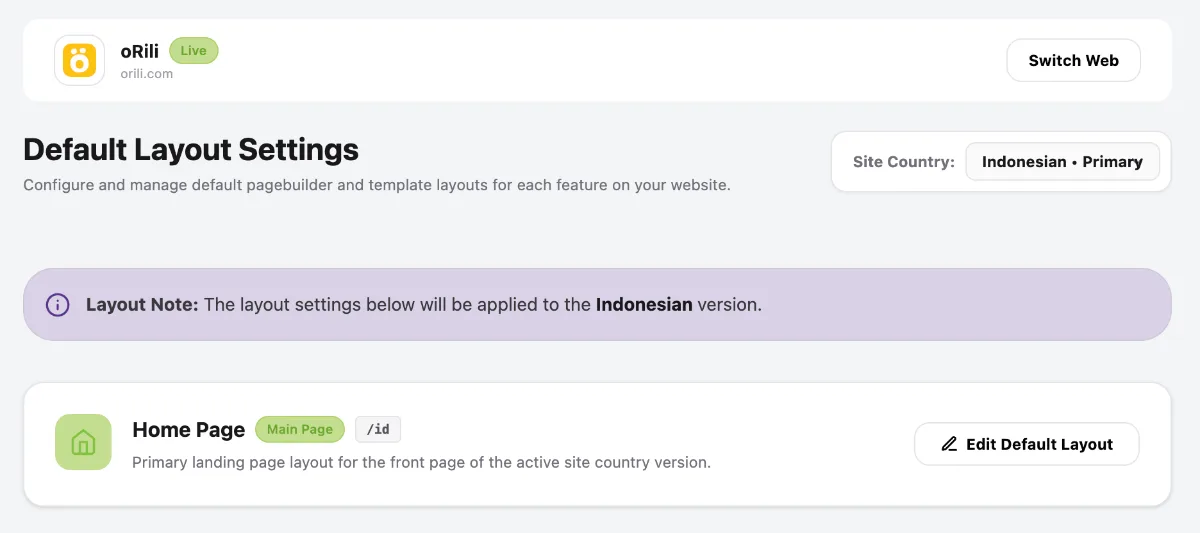
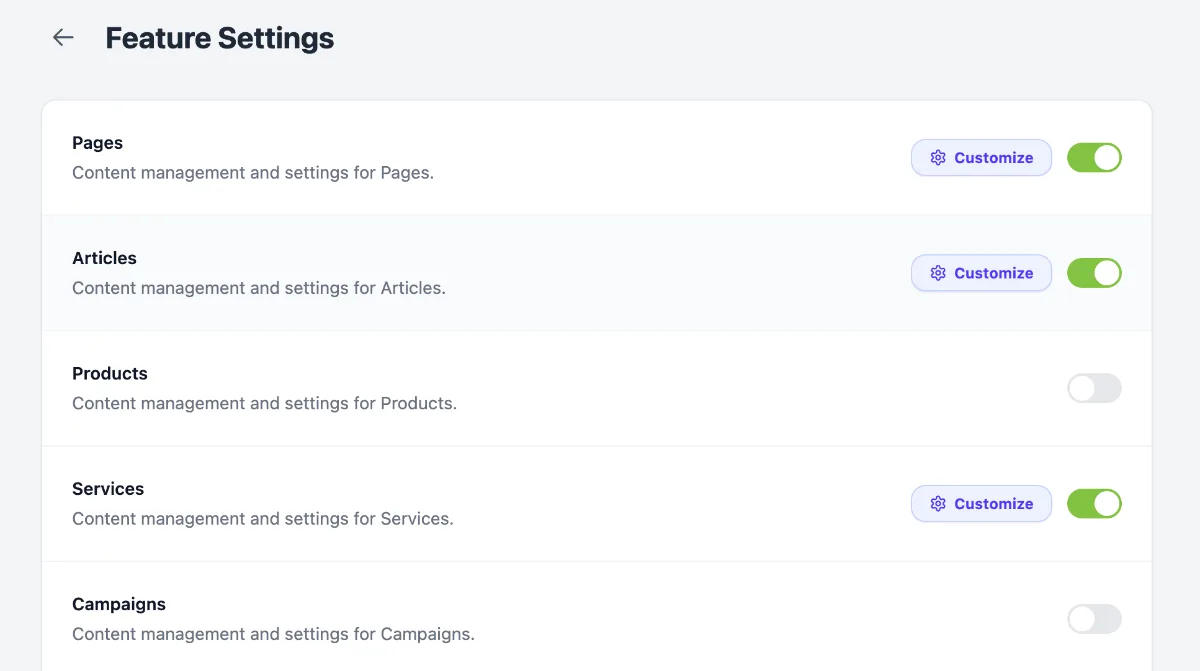
Access the Country & Language menu by following these steps:
- Go to the Dashboard.
- Click the Operational Tools menu.
- Select Website.
- Select your website.
- Click Manage.
- Select Settings.
- Select Country & Language.
2. Enable the Multilingual Feature
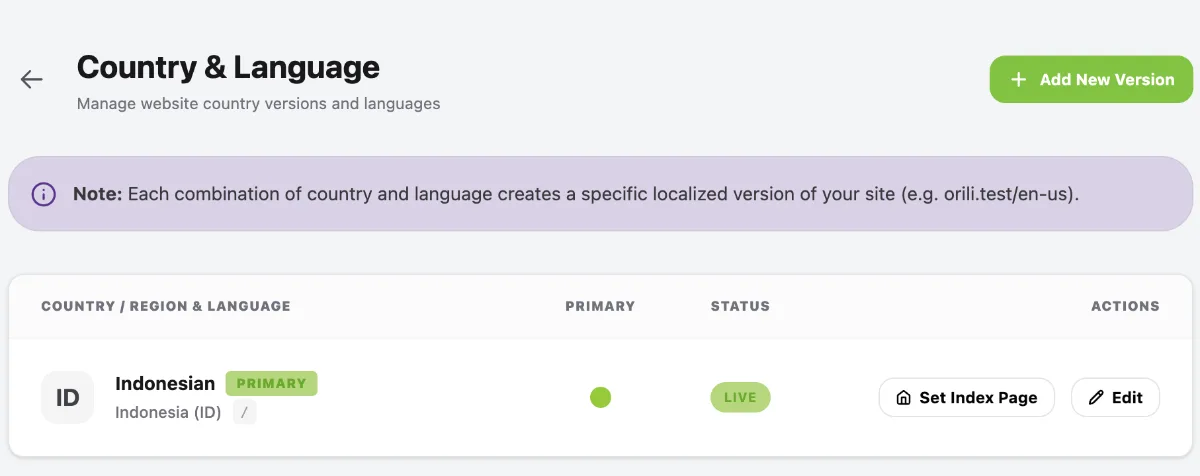
Click the Add New Version button in the top-right corner.
3. Select the Language and Regional Settings
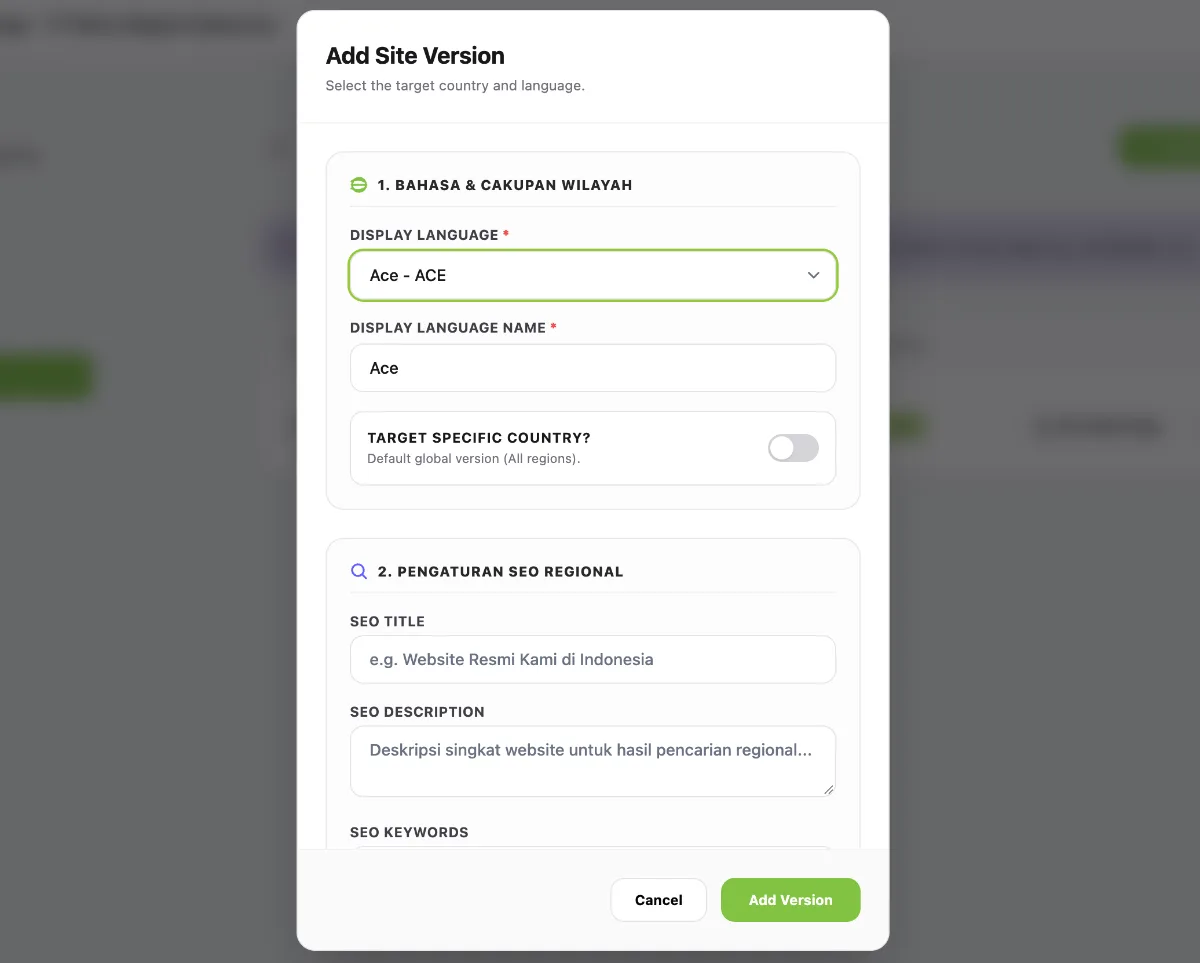
- Select the required Display Language.
- Enter the Display Language Name.
- Click Add Version.