1. Access the Tracking Platforms Menu
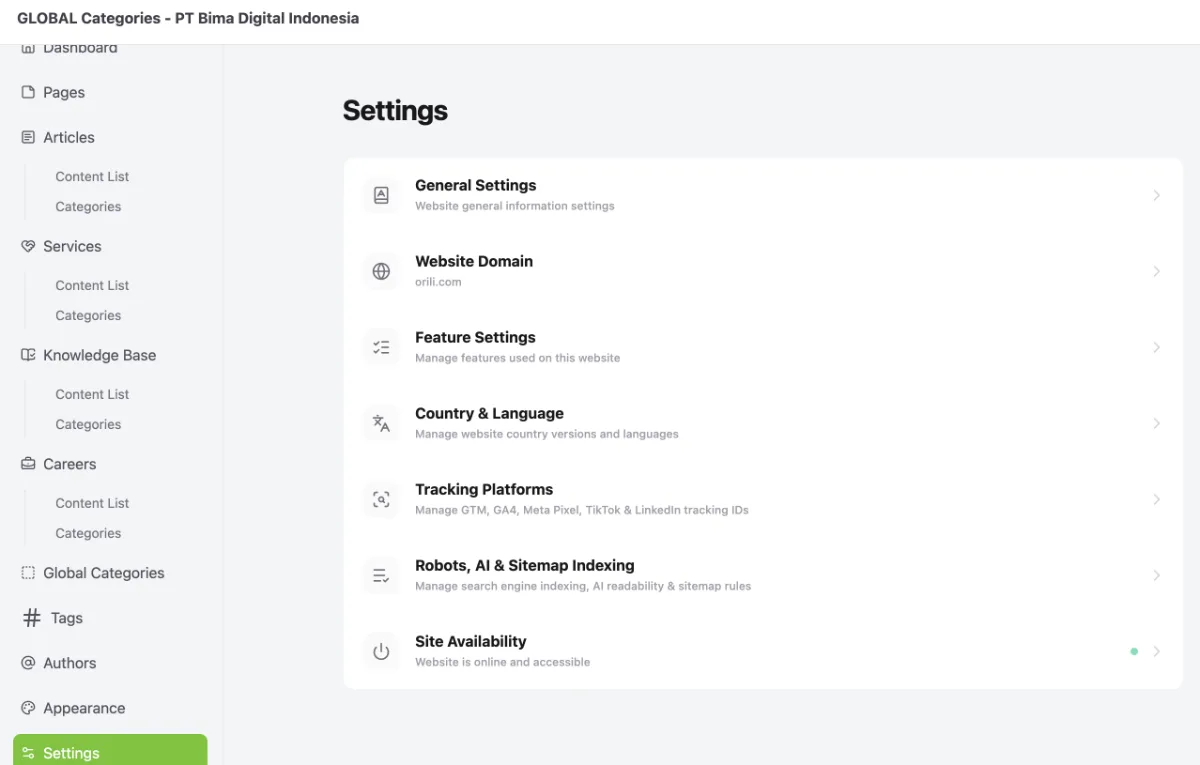
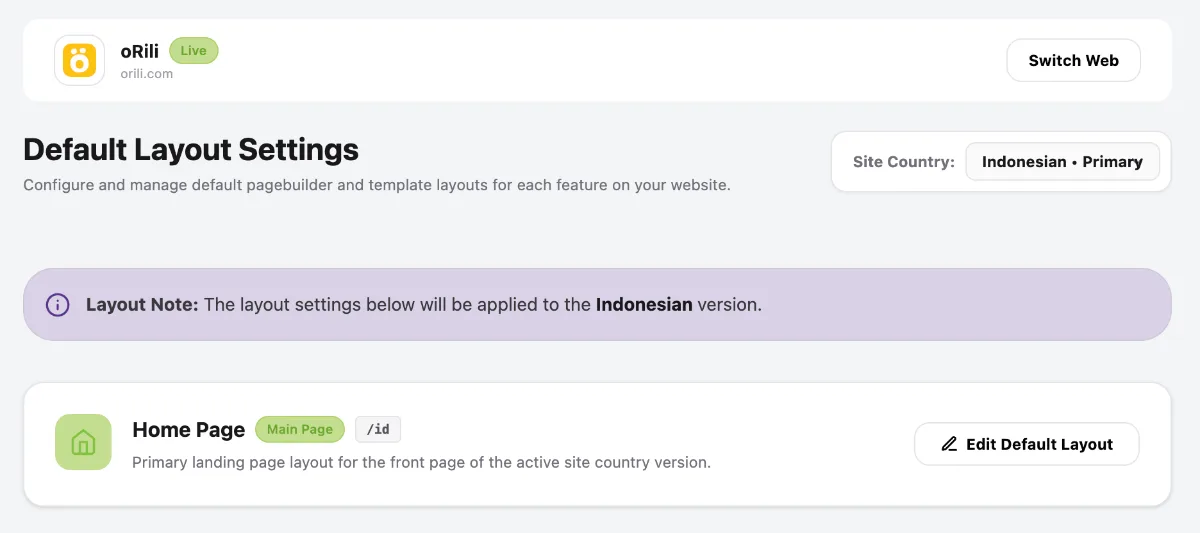
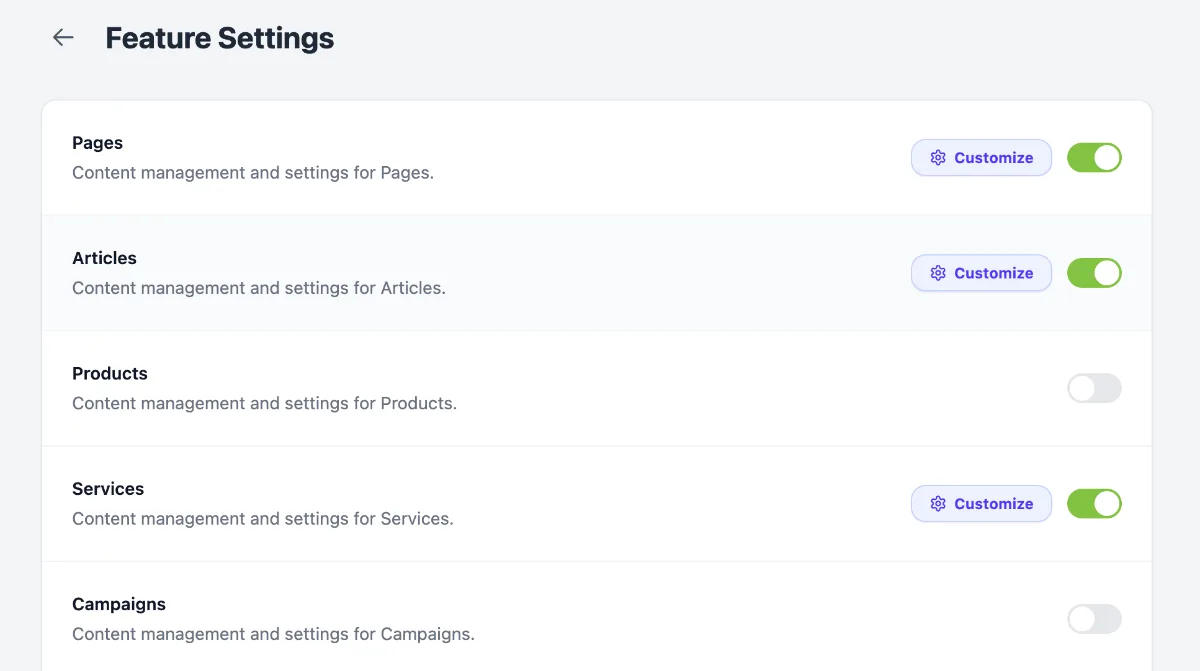
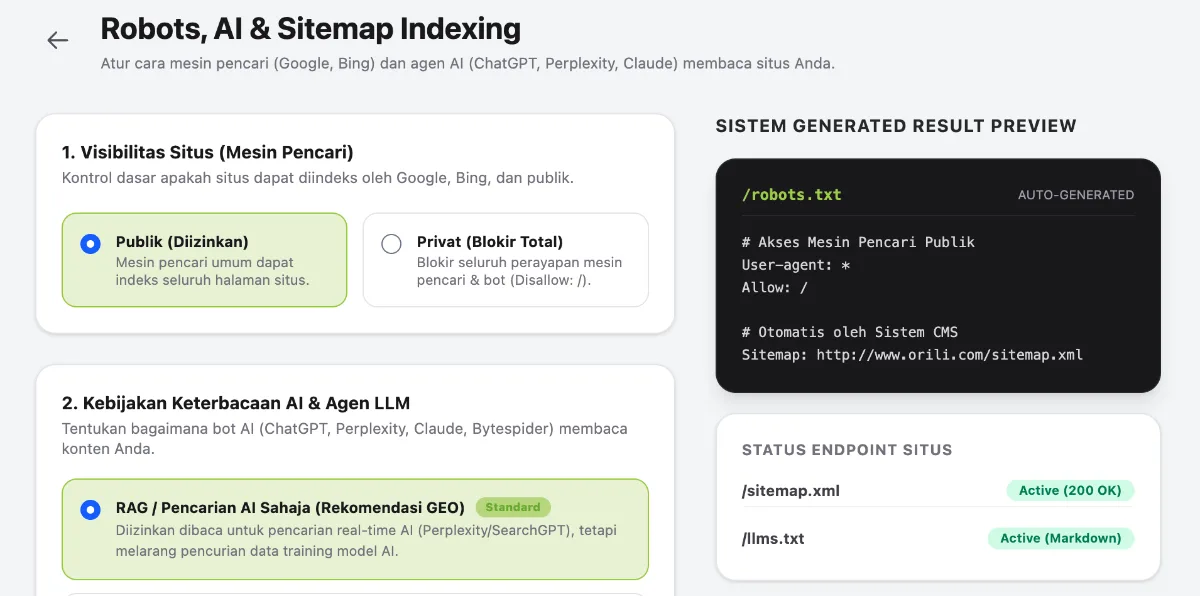
Access the Tracking Platforms menu by following these steps:
- Go to the Dashboard.
- Click the Operational Tools menu.
- Select Website.
- Select your website.
- Click Manage.
- Select Settings.
- Select Tracking Platforms.
2. Add Tracker
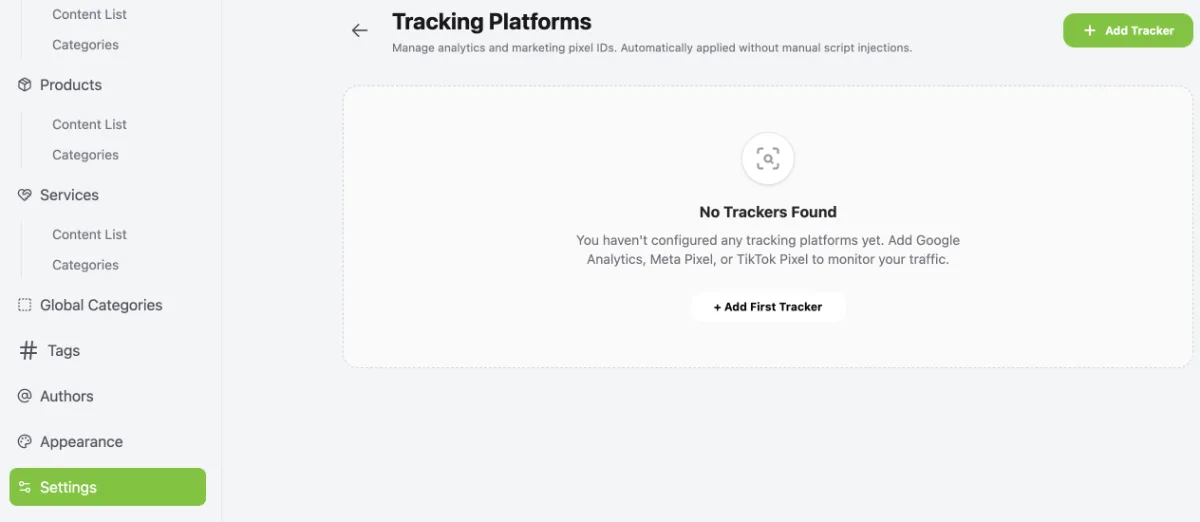
Click the + Add Tracker button in the top-right corner.
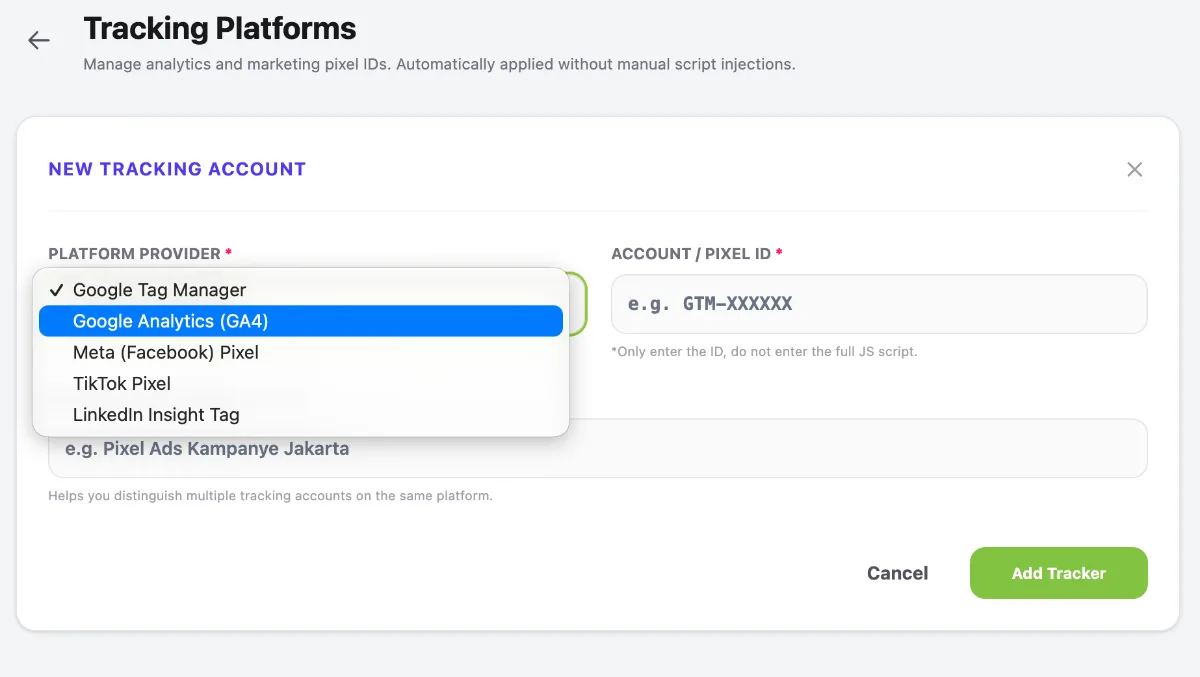
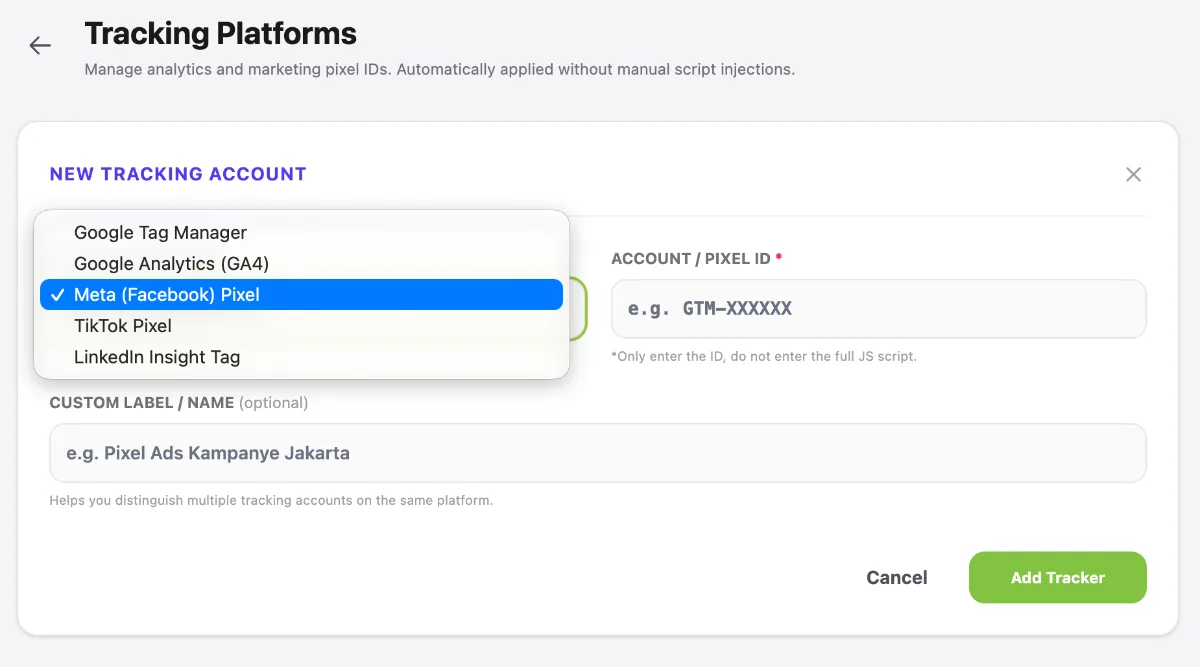
- Select Google Analytics (GA4).
- Copy and enter your Google Analytics Measurement ID in the Account / Pixel ID field.
- Enter a name in the Custom Label / Name field to make the tracking account easier to identify.
- Click Add Tracker to save the configuration.