1. Access the Default Colours Menu
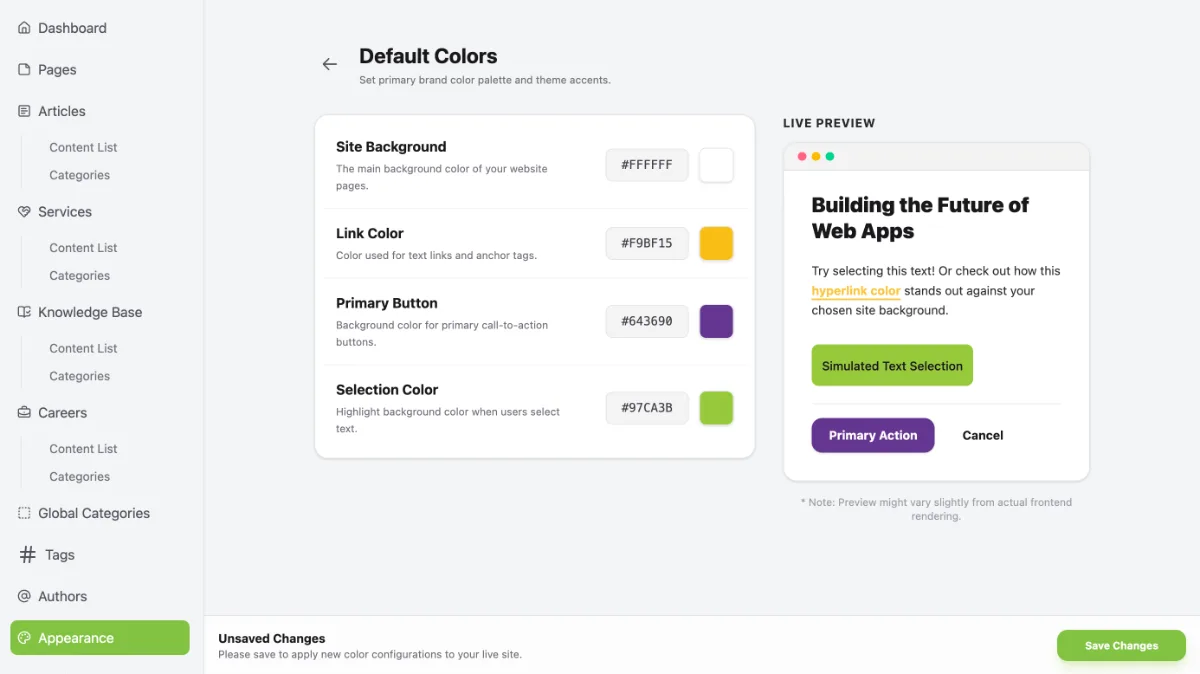
Access Default Colours by following these steps:
- Go to the Dashboard.
- Click the Operational Tools menu.
- Select Website.
- Select your website.
- Click Manage.
- Select Appearance.
- Click Default Colours.
2. Set Your Base Theme Colours
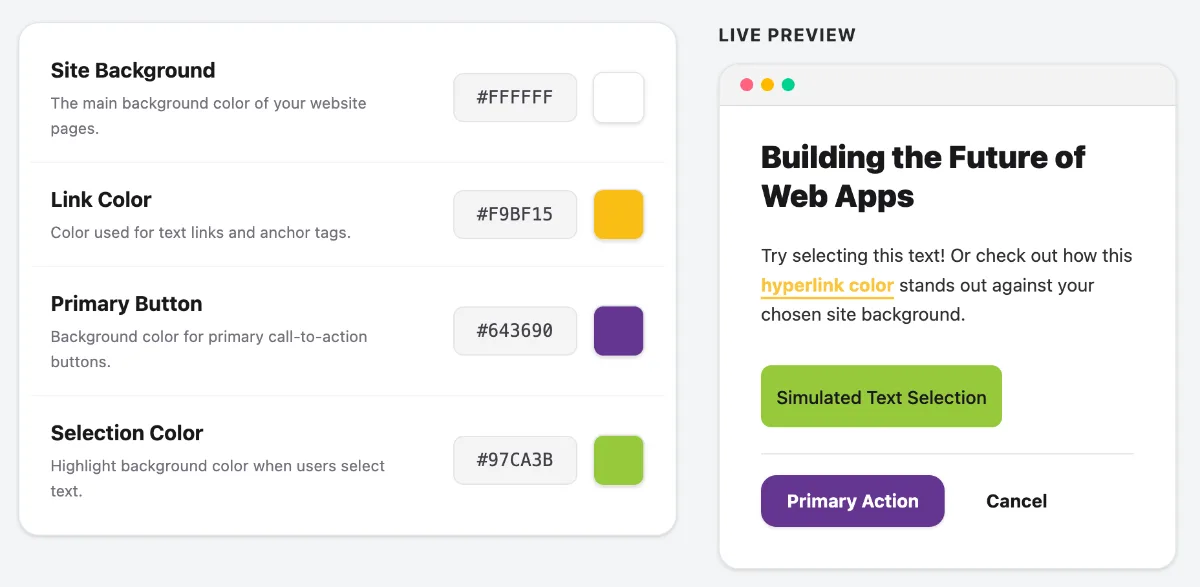
Set your base theme colours to match your brand colours.
- Site Background – Sets the main background colour of your website pages.
- Link Colour – Sets the colour of linked text or hyperlinks.
- Primary Button – Sets the colour of the main buttons or buttons used for calls to action (CTAs).
- Selection Colour – Sets the colour displayed when a user selects text by dragging the cursor over it.
Once you have finished, click Save Changes.