1. Access the Global Categories Menu
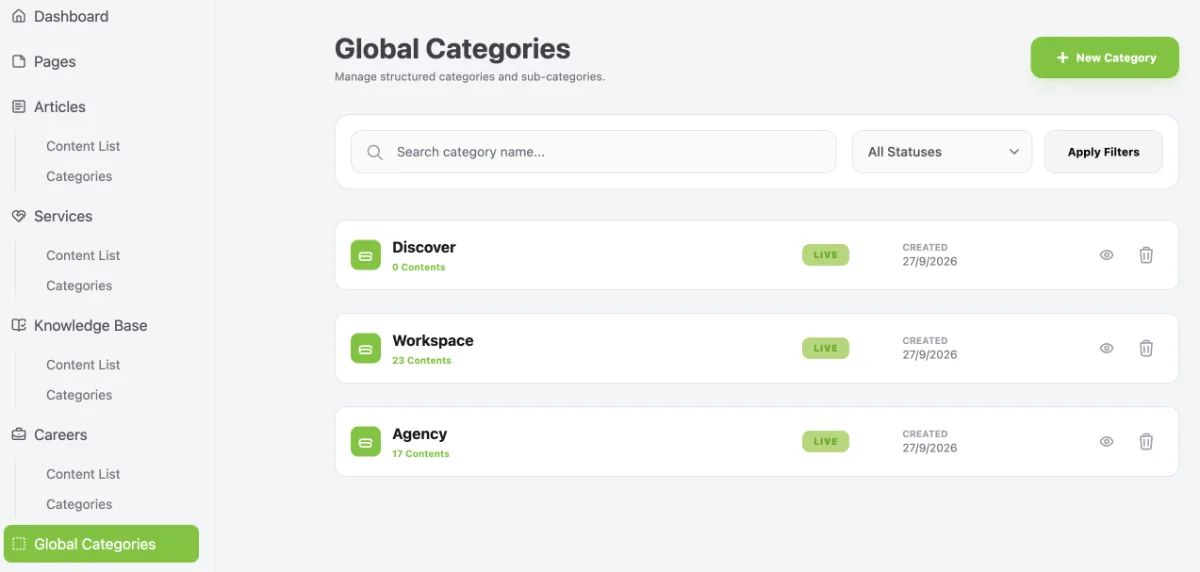
- On the website dashboard in Workspace, navigate to Global Categories.
- Global Categories allows you to link content to global categories, making content organisation more structured and consistent across different sections of your website.
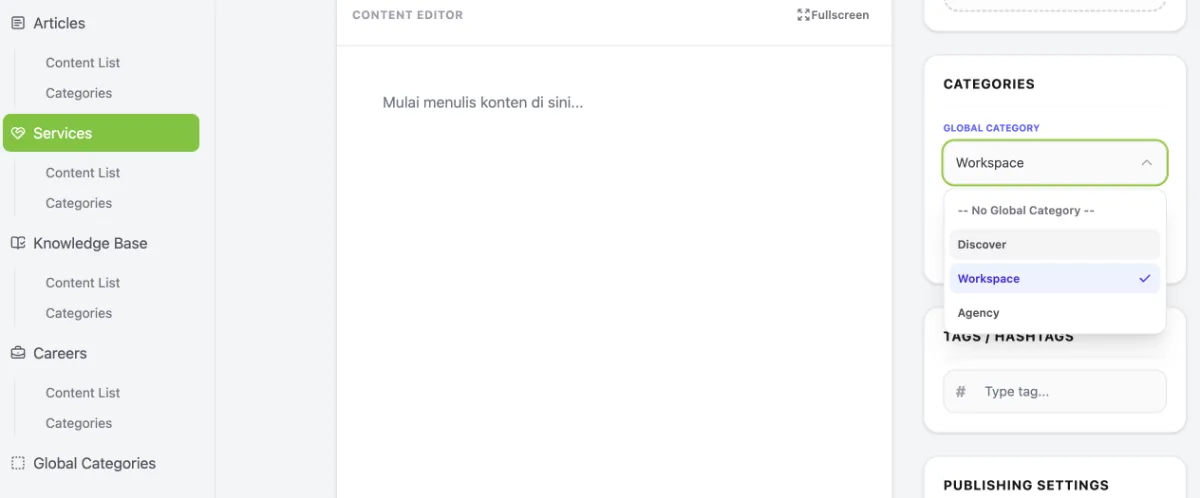
- The Global Categories you create will appear across all content types (Articles, Services, Products, etc.), as shown in the example below.
2. Create Global Categories
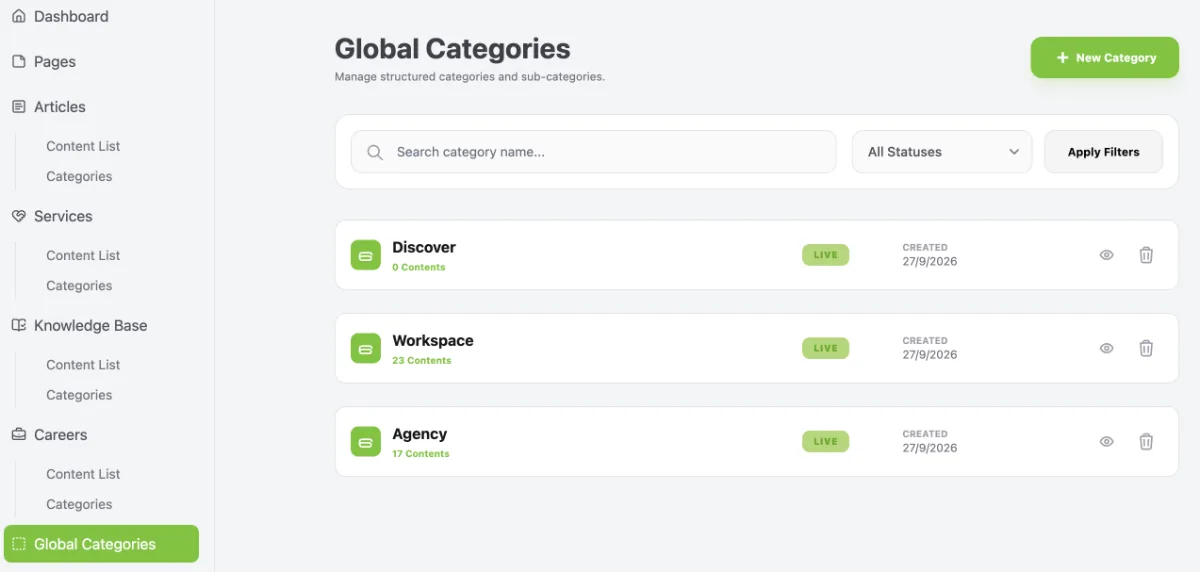
- In the Global Categories menu, click + New Category to add a new global category.
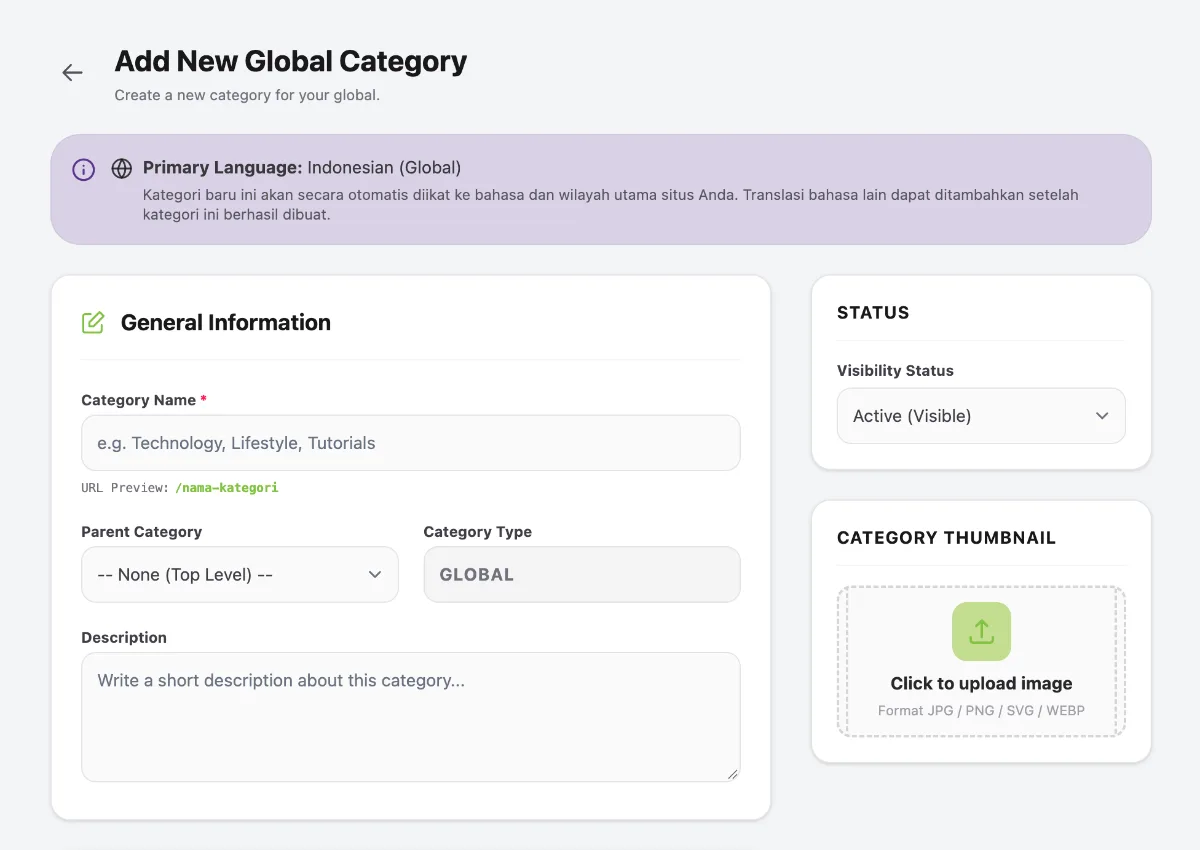
- Enter the global category name as required, then click Submit.
3. Global Categories Display Example
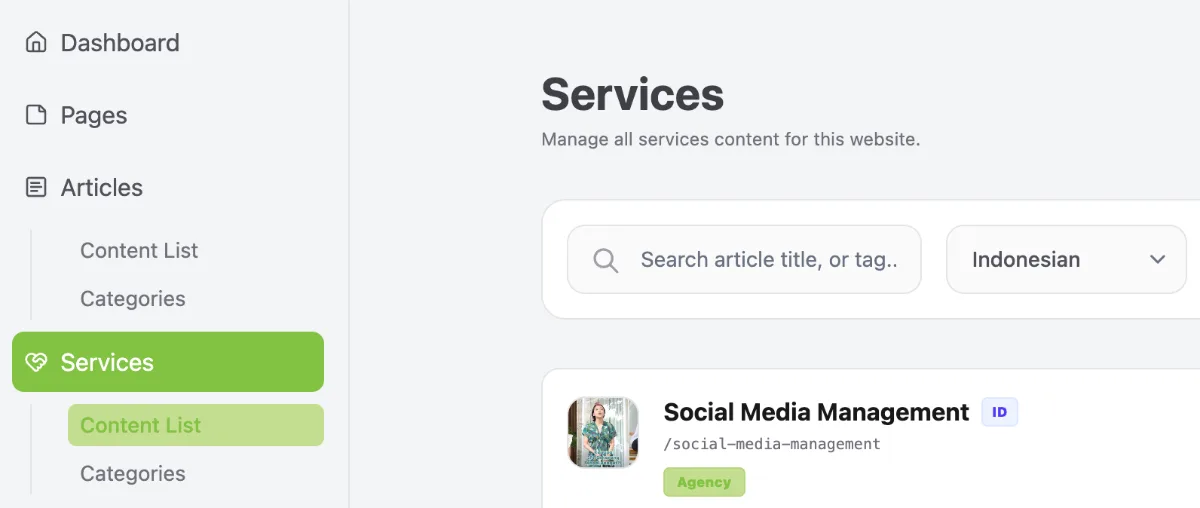
- Below is an example of Service content using the Agency Global Category.
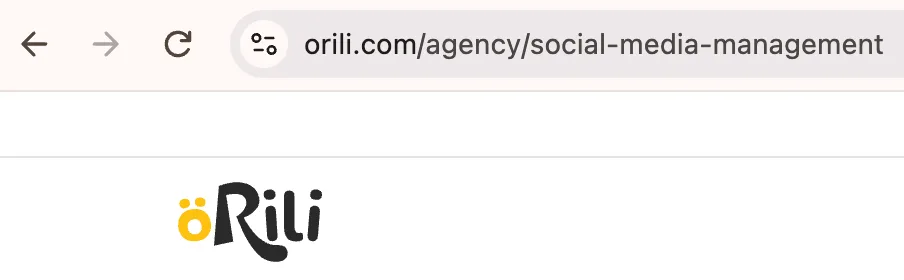
- Each piece of content has a URL structure based on its selected category, as shown in the following example.